
Slide visuals you'd screw around with for hours, done in 2 minutes or less.
Gantt timelines, 2×2 matrices, SWOTs, fishbones, decision trees, RACI charts, org charts, mind maps, process chevrons, football fields and more, at slide-deck quality. Build them in the browser, or let your AI make them for you. Free, no sign-up.

Featured tool
2×2 Matrix
Two axes, four labelled quadrants, and items you drag into place or bullets in each box. Start from a classic preset, then export a PNG or SVG. Free, no account.
Popular tools
All 20 tools
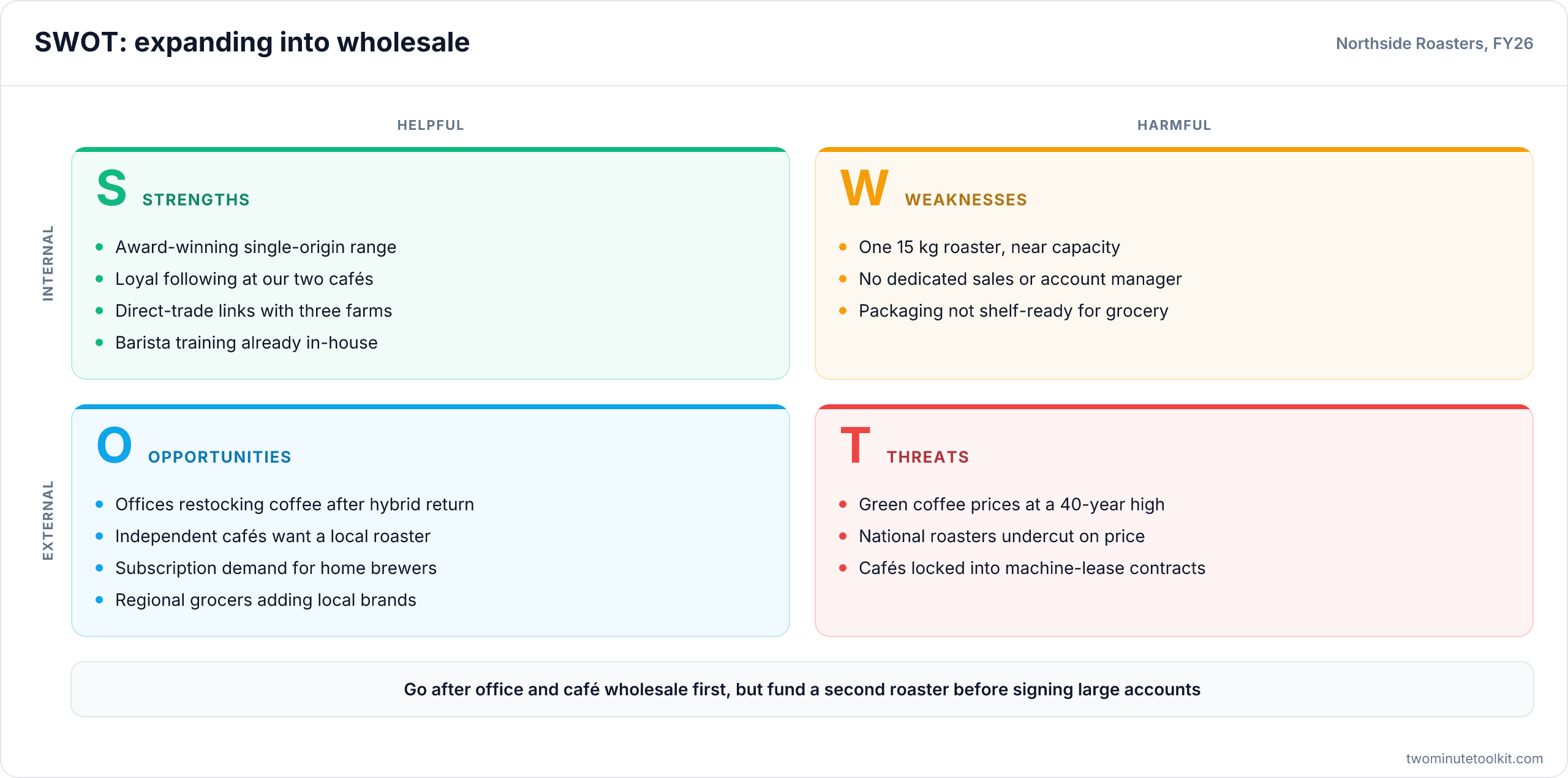
SWOT Analysis
Strategy slides: strengths, weaknesses, opportunities and threats in the classic 2×2.
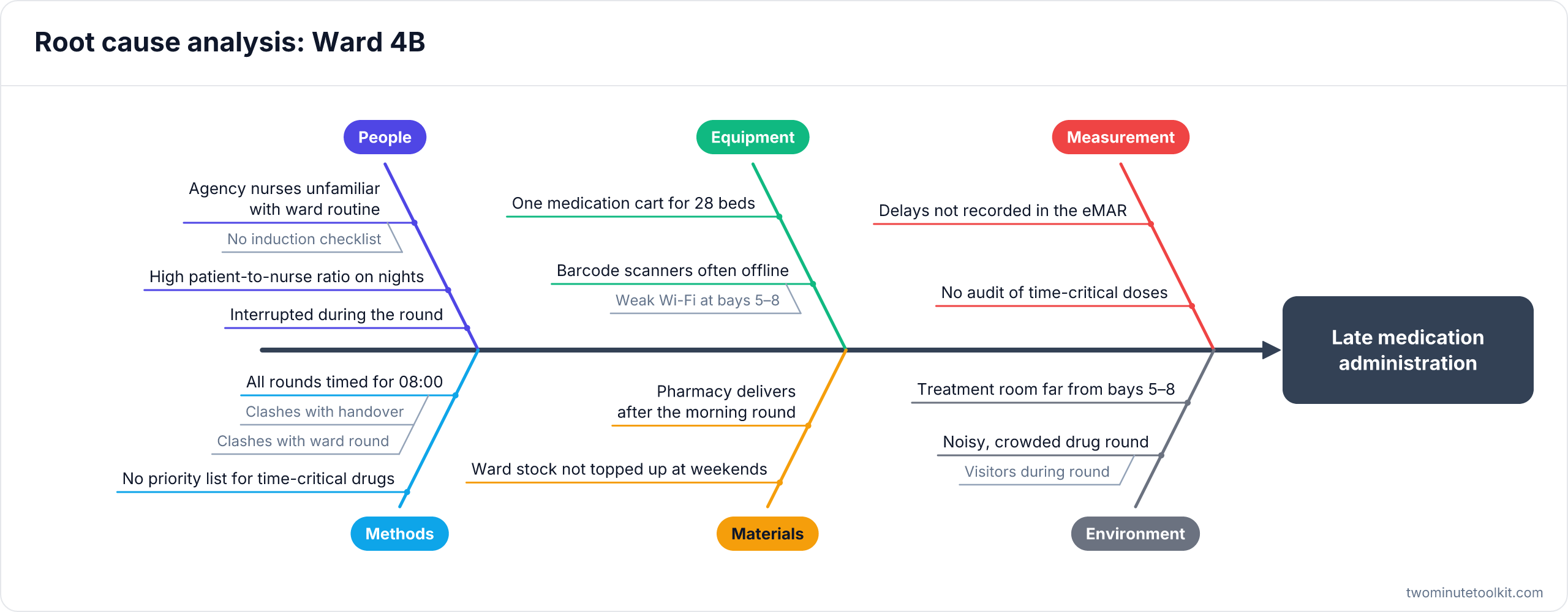
Fishbone Diagram
Root-cause analysis: an Ishikawa cause-and-effect diagram with the problem at the head and causes on the bones.
Browse by category
Strategy & analysisFrameworks for options, markets and choices.9 tools
Projects & planningPlans, phases, roles and decisions.8 tools
Process & qualityProcesses, root causes and improvement.5 tools
Teams & ideasPeople, structures and brainstorms.5 tools
Finance & salesValuations, drivers and funnels.3 tools
Health & social careClinical and casework diagrams.3 tools
For AI assistants
One connector, every tool
Add one URL to claude.ai, Claude Desktop or Cursor. Each answer comes with an image link for your deck and an edit link to finish it by hand.
MCP https://www.twominutetoolkit.com/mcp
Free. No API key. Works with any MCP client.
Why use it
Why not just ask the AI to draw it?
1
The same look every time
One clean style across every tool, so a deck built from several charts still matches.
2
A link you can paste into a deck
Every chart has a permanent image link. The link itself is the chart; nothing is stored.
3
A builder to finish it by hand
Open any chart to drag, rename and recolour. No regenerating and hoping.
Is it free?
Yes. Every tool is free, with no account, no watermark and no limit.
Do I need to sign up?
No. Open a tool and start typing.
Where are my charts saved?
In their links. Nothing is stored on our servers.
What file formats can I export?
PNG at twice the size, for sharp slides, and SVG.
Can AI assistants use these tools?
Yes. Add the MCP server to Claude, Cursor or another MCP client, or call the HTTP API.